
Is Maeve Social the right Hootsuite alternative?
Maeve Social is a Hootsuite alternative for teams focused on planning content, collecting client approvals and publishing across brands. It also has an inbox and reports, but it is not a verified replacement for Hootsuite’s listening, customer-care integrations or enterprise governance.
When should you choose Maeve Social?
Choose Maeve Social when most of your week is briefs, media, posts, approvals and client reporting. Standard includes five team members, five workspaces and 50 social connections for that content workflow.
What should you check for your setup?
List the listening sources, care integrations and governance controls your team requires. Maeve Social covers a content production workflow, but equivalent specialist listening and enterprise controls have not been verified.
What changes between Maeve Social and Hootsuite?
Content production
- Maeve Social
- Workbench, media, channel editing and client review connect to the calendar.
- Hootsuite
- Publishing is part of a broader social management platform. Official source
Inbox work
- Maeve Social
- Six connected networks feed the inbox; DMs are Instagram/Facebook only. Assignments and internal notes are supported.
- Hootsuite
- Shared inbox features include team assignments, conversation notes and care routing, subject to the plan. Official source
Listening and enterprise requirements
- Maeve Social
- Like-for-like listening, care integrations and enterprise governance are not verified.
- Hootsuite
- Hootsuite documents a specialist listening product and broader organizational workflows. Official source
External client sign-off
- Maeve Social
- Standard/Premium review links do not require a Maeve Social account or client seat.
- Hootsuite
- Advanced documents team approvals. Enterprise “external approvals” records sign-off obtained elsewhere; it does not establish a free guest portal. Official source
How does a campaign move from brief to sign-off?
Use one workspace for the brand, develop the brief in Workbench and draft the posts with their channel settings. Have your internal reviewer check the work, then send the client a review batch. Schedule only the version that has cleared the required reviews.
What does each tool cost for two client brands?
One internal user, two client brands with one external reviewer each, one Instagram professional account and one Facebook Page per brand: four connected profiles in total. The goal is external client approval. Prices below are in USD, before location-dependent taxes, checked October 10, 2026. Month-to-month billing is used where verified.
Maeve Social Standard: $99/month
Billed monthly, with five team members, five workspaces and 50 social connections. External review links and branded/scheduled PDF reports are included. Clients do not need Maeve Social accounts or paid seats. No add-ons are required for this scenario.
If you only need planning and publishing, Basic is $25/month for one user, two workspaces and 20 connections. It does not include external client review.
Maeve Social monthly plansHootsuite: Monthly total and guest-review fit not verified
Advanced includes team approval workflows and inbox assignments. Hootsuite’s public starting rates are qualified by annual billing; exact monthly USD pricing was not verified. Documented approval requests go to team members, and a free external-client approval link was not verified.
Check Hootsuite's pricing sourceMaeve Social Standard is $99/month including account-free client review. A fair Hootsuite total requires the monthly Advanced rate and the seats/reviewer access your process needs. We do not treat the annual headline as a monthly subscription price or assume guest reviewers are included.
Can Maeve Social replace Hootsuite’s shared inbox?
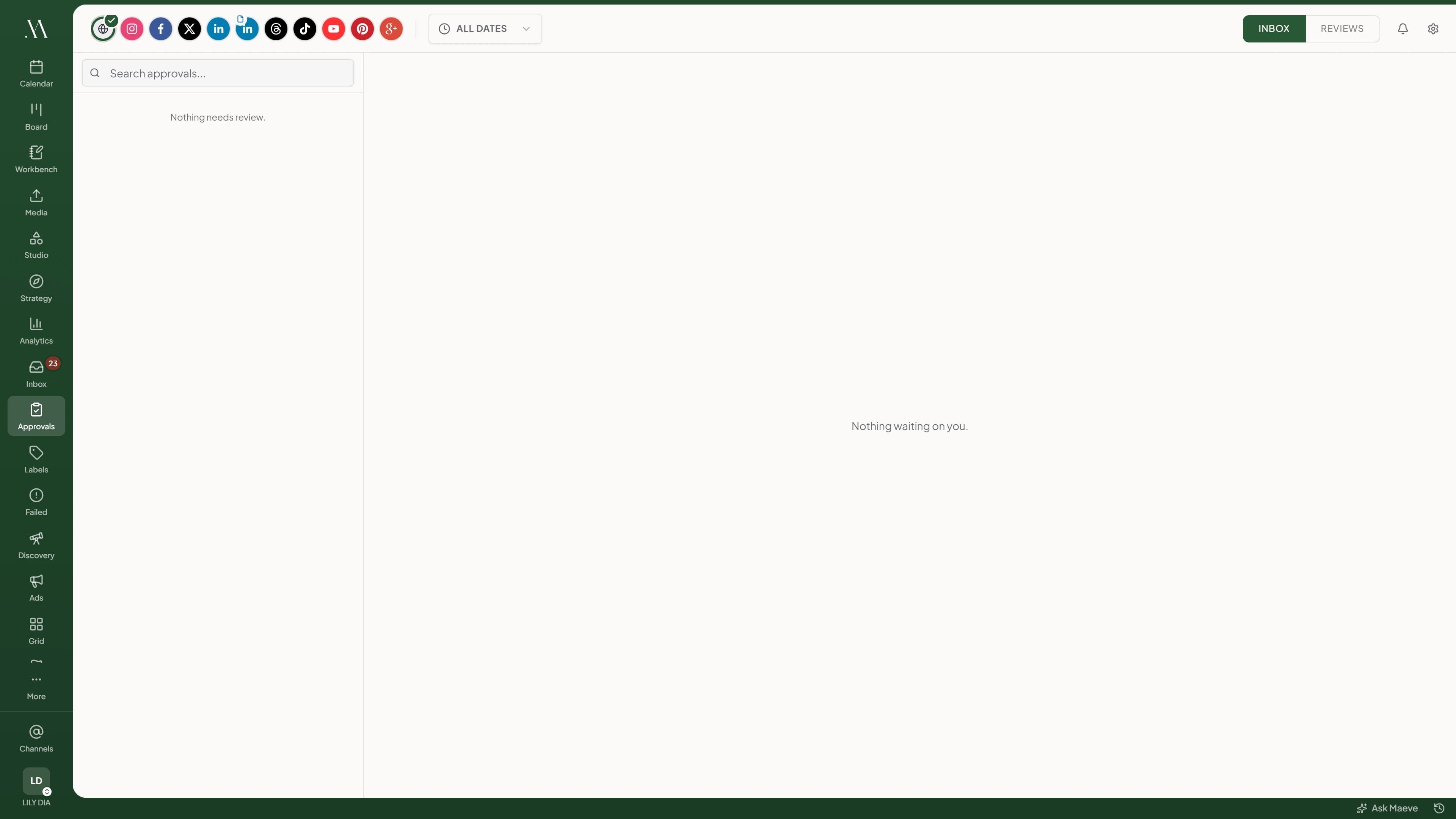
Maeve Social supports assignments, internal notes, saved replies and role-based inbox actions. Coverage comes from Instagram, Facebook, Threads, TikTok, YouTube and Google Business Profile; direct messages are limited to Instagram and Facebook. LinkedIn, X and Pinterest do not feed its inbox. Match those facts to your actual support workload.
What about social listening and governance?
Equivalent Hootsuite listening sources, customer-care integrations and enterprise governance have not been verified in Maeve Social. Maeve Social’s Instagram competitor tracking and TikTok trends are not the same as broad social listening. Verify those specialist requirements separately before changing your support or research workflow.
Can internal and client approvals run in sequence?
Maeve Social separates internal approval from external client review. Standard and Premium let you send a review batch to invited clients without buying them seats; requested changes stay with the post. Trial a revision after the internal team has reviewed it so you can check the complete handoff.
Which networks and formats does Maeve Social cover?
- Publishing: nine networks
- Instagram, Facebook, LinkedIn, TikTok, YouTube, X, Threads, Pinterest and Google Business Profile. Supported formats vary by account and network. Publishing coverage
- Analytics: eight networks
- The same list except X. Standard and Premium add multi-channel reporting, branded PDFs and scheduled delivery. Metrics and history depend on the network. Reporting coverage
- Inbox: six networks
- Instagram, Facebook, Threads, TikTok, YouTube and Google Business Profile. DMs are Instagram/Facebook only. LinkedIn, X and Pinterest do not feed the inbox. Inbox coverage
For Instagram, Maeve Social supports feed posts, carousels, Reels and Stories on eligible Business or Creator accounts; a personal account must be converted first. TikTok supports video and photo posts, but direct publishing depends on the connected account's available publishing options. Some posts need to be finished in TikTok drafts. Instagram requirements and TikTok requirements.
Can you import your Hootsuite queue and history?
Maeve Social's current guides do not document an automatic importer for Hootsuite drafts, scheduled queues, approval records or analytics history. A supported import format for that transfer has not been verified. Plan a manual cutover unless support confirms an importer for your export file.
Inventory any listening searches, care integrations and organizational controls before moving content. A recreated publishing queue does not establish that those services have been replaced.
Export what you need to keep, reconnect your accounts and recreate a small test batch. Set a cutover date and pause duplicate scheduled posts in Hootsuite before publishing from Maeve Social. Your existing published posts stay on their social networks.
What should you test before switching?
- Run a representative week of content through planning, editing and review.
- List the inbox message types, routing rules and integrations your team cannot lose.
- Create a sample report and ask the person receiving it whether it answers their questions.
Can Maeve Social replace a specialist listening or customer-care setup?
Do not assume that it can. Write down the listening sources, routing rules, integrations and reporting your team depends on, then verify each requirement before moving. This comparison focuses on the content workflow, not feature-for-feature enterprise parity.
Sources and scope
Competitor capabilities and pricing evidence were checked against the official pages below on October 10, 2026. Unverified rates and capabilities are labelled as such. This is a direct product comparison, not an independent ranking or a claim of feature-for-feature parity.
Maeve Social details come from its current pricing, product guides and feature documentation. The screenshots show Maeve Social. We have not represented this source review as hands-on testing of every competitor. Plans and network requirements can change before you subscribe.